Built for anything people book by the room, court or slot
KTV rooms, sports courts, event halls and function rooms, studios and meeting rooms, private dining: the venue templates fit each of them as they ship, using the name you give your bookable spaces.
Run it on the front-desk tablet
Put the room board on a tablet in kiosk mode for the front desk, and keep the calendar on the manager’s desktop. Each lens has its own layout for desktop and tablet.
Say yes from the page
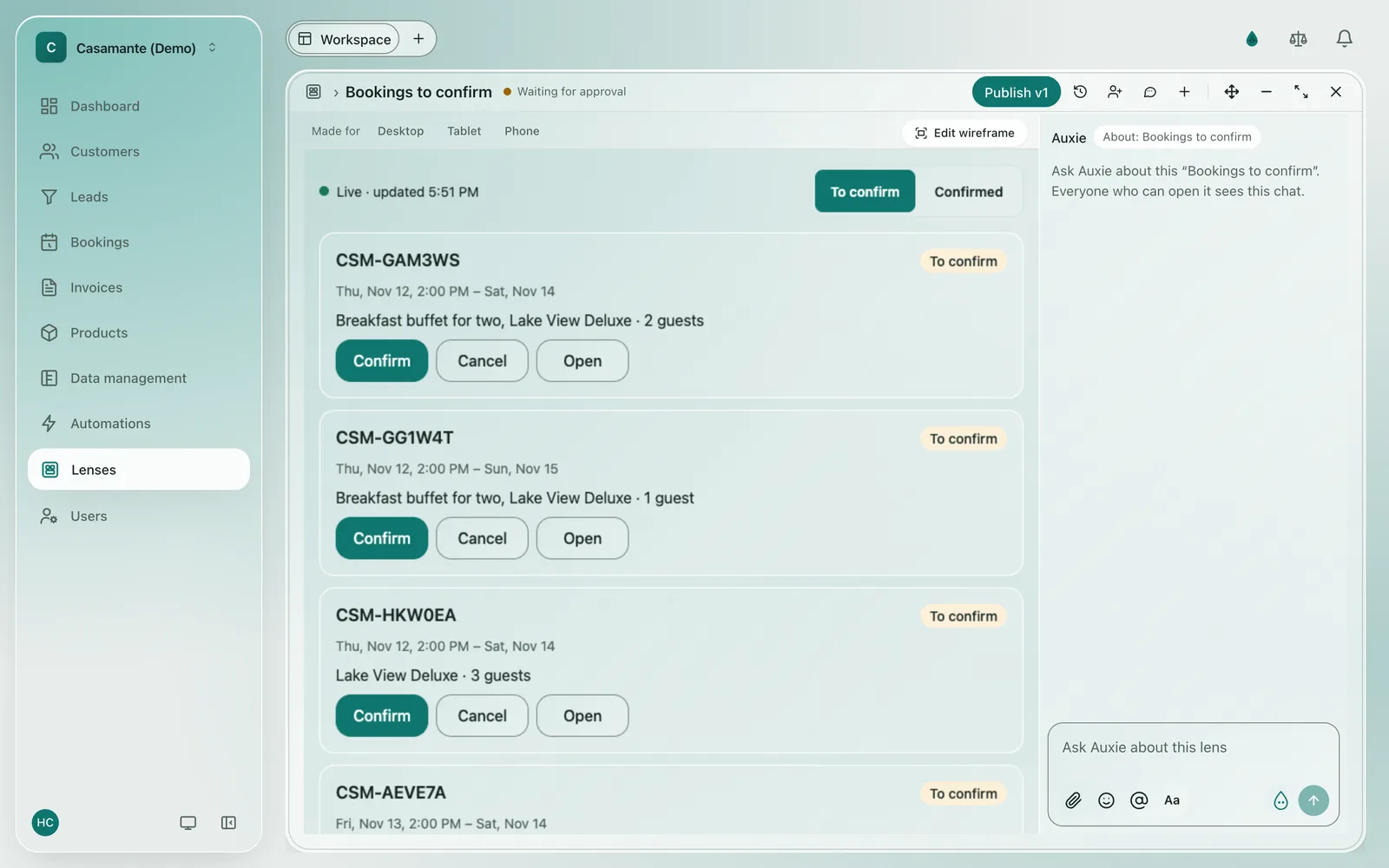
Confirm or cancel a booking right from the lens. A change card shows what will happen first, nothing changes until someone taps Apply, and every change is logged.
What it doesn’t do yet
- Kiosk mode is a display setting on a signed-in device, not a separate kiosk account.
- The calendar template is laid out by room type.
- Lenses are in beta.
Which plan. Templates, bookings and online payments come with every plan; pricing rules, bills and receipts start on Operations. Try Starter free for 7 days with full Lens access. See pricing