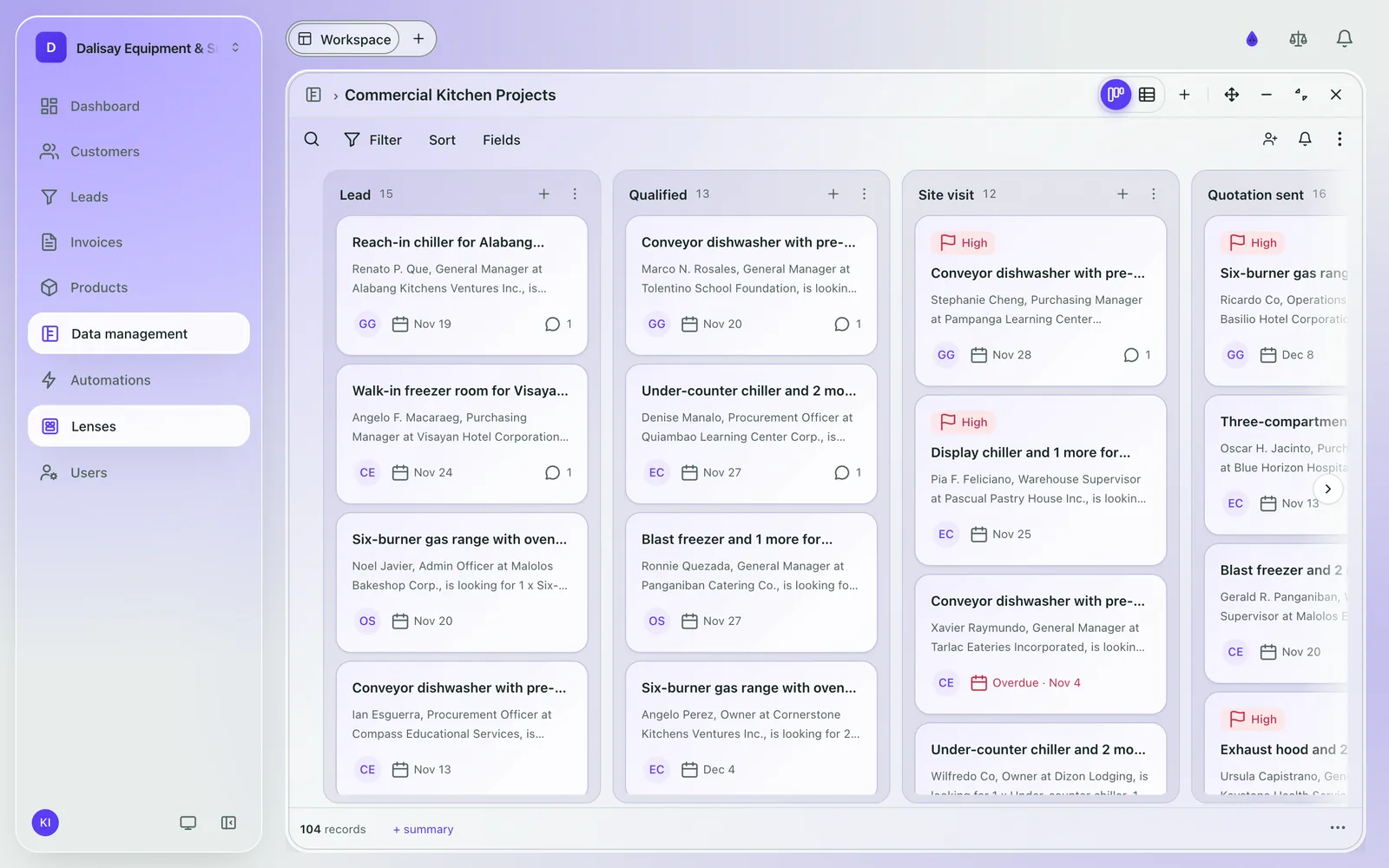
Your client work is already the data
Run each client, campaign or open role as a card on a board: a stage, an owner, a due date, files and comments. When a board isn’t enough, add your own tables and fields: text, numbers, dates, choices, people, files and links.
Describe the page you want, for example “a client desk: work by stage, what is due this week by days left, and each person’s load”, and Auxie drafts the lens on those records. You review it, it is checked, and you publish it.
Each person sees their own work; leads see all of it
Set a role to see only its own rows (the ones a person owns, is assigned or created) and that person’s lens shows just their work. Account leads keep the full picture.
Fee and budget fields can be set to Hidden for any role, so one lens serves the whole team.
Hours, with an approval step
Timekeeping, in beta, lets people clock in and out, has someone else approve or correct each entry, and exports the hours to a CSV file. It records hours, never pay.
Act from the page, safely
A lens can move a card to its next stage or add a row, always behind a change card that shows the change first. Nothing happens until someone taps Apply, and it is logged with who made it.
What it doesn’t do yet
- Hours are recorded per person, not per client or project, so Auxelit doesn’t produce timesheets by client.
- There are no shift schedules, and KPI scorecards are not built yet.
- There is no client portal: lenses are pages for the people on your account.
- A client is a customer record with an optional organisation name; no company record groups several contacts.
- There is no agency template yet: Auxie builds the lens, and a lens reads up to five tables.
- Lenses are in beta.
Which plan. Every plan includes lenses you build: 1 on Starter, 3 on Operations, 10 on Growth. Timekeeping (in beta) starts on Operations and custom roles on Growth. Starter’s 7-day free trial includes full Lens access. See pricing