Lenses
In betaA live page for every desk.
Built on your own data. Live as it changes.
What a lens is
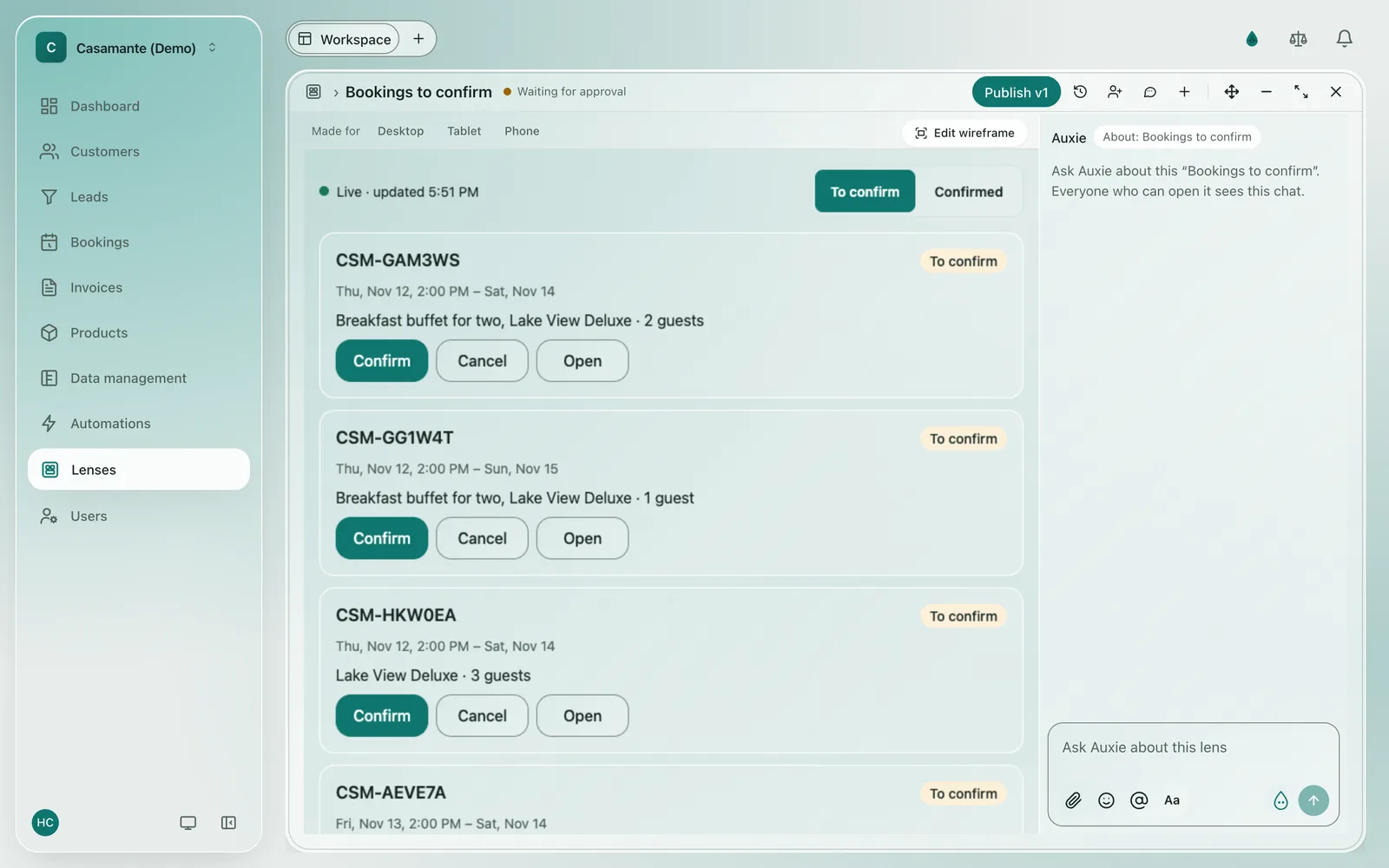
One live page, on what you already run.
Built on your own data
A lens reads what your account already holds: your bookings, your rooms and your own boards.
Law & accounting firms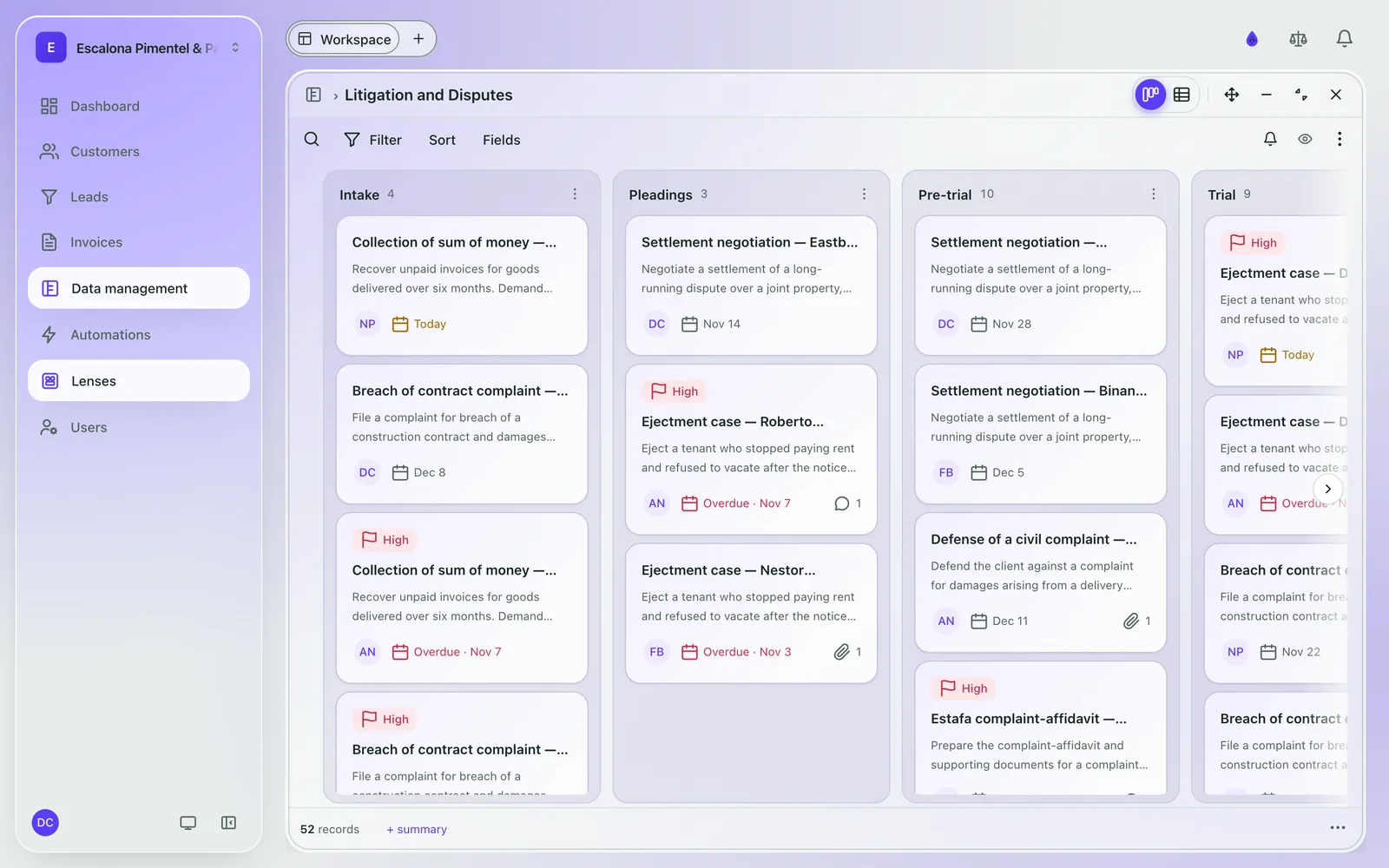
Live as it changes
Open it at the desk, on a desktop or a tablet, or run it full screen on a wall in kiosk mode.
Hotels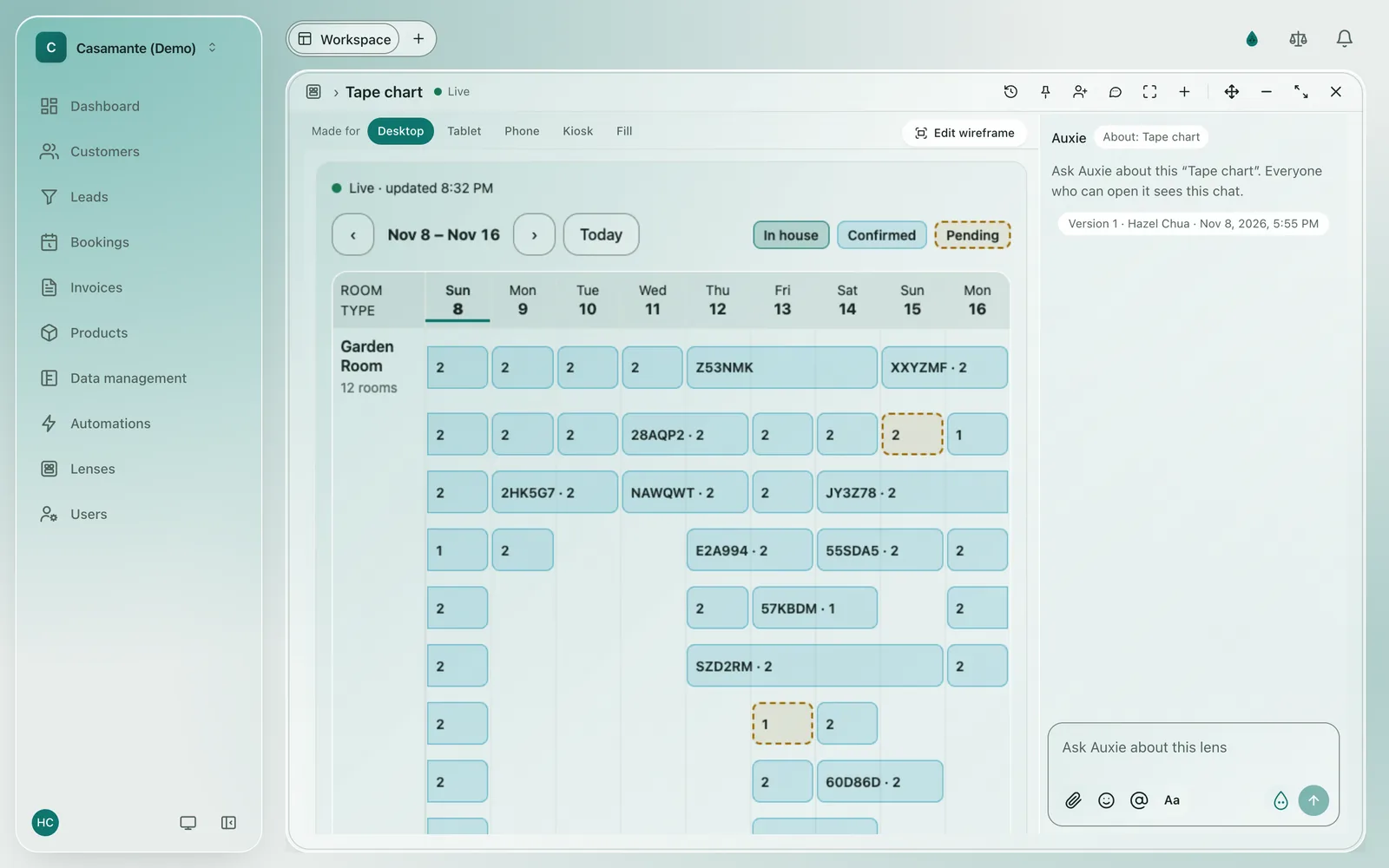
Nothing changes without a tap
A lens can confirm a booking or update a row. It shows what will change first, waits for Apply, and logs every change.
Multi-site groups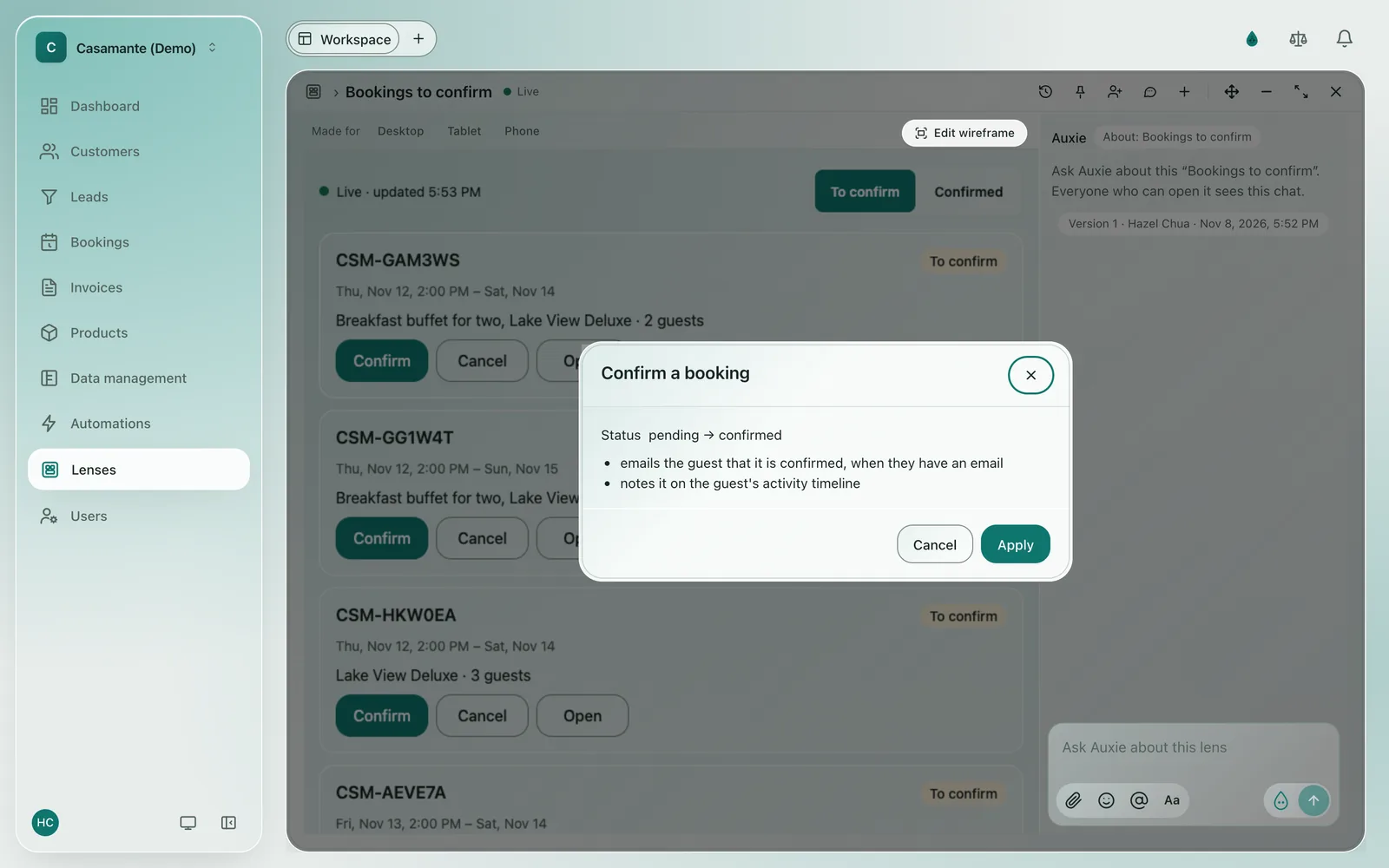
Three ways to start
Install it, edit it, or describe it.
Install a template
Ready-made, for bookings and rooms.
Edit the wireframe
Move, resize and add boxes.
Describe it to Auxie
Say it. Auxie drafts it.
Templates · every plan
Five lenses, ready to install.
- Tape chartEvery stay, by room type.
- Bookings to confirmConfirm or cancel in a tap.
- ArrivalsWho’s next, then today.
- Room boardEvery room, live.
- CalendarA lane per room type.
Lenses on each plan
Build more as you grow.
| Feature | ||||
|---|---|---|---|---|
| Lenses In beta | ||||
| 7-day free trial, with full Lens access | Included | Not included | Not included | Not included |
| Templates: room board, arrivals, bookings to confirm, tape chart, calendar | Included | Included | Included | Included |
| Lenses you build or edit with Auxie | 1 | 3 | 10 | Unlimited |
| Extra lenses, each a month | Not included | $15 | $15 | Not included |
| Desktop, tablet and kiosk layouts | Included | Included | Included | Included |
| Share with your team, pin to the sidebar | Included | Included | Included | Included |
Questions
About Lenses.
What counts as a lens?
One live page with its own name, like a tape chart or a board of matters. A template you install counts as a template, not as one of the lenses you build.
What happens when I reach my plan’s lenses?
Every lens you have keeps running. To build or edit another, add a lens for $15 a month on Operations and Growth, or move up a plan.
Can a lens change my data?
Only behind a tap. A lens can confirm a booking or update a row, but it shows exactly what will change first, nothing happens until someone taps Apply, and every change is logged.
Who can see a lens?
The people you share it with. A lens only reads what the person viewing it may see, and a field set to Hidden for their role stays hidden in the lens.
Which devices?
The console runs in the browser on desktops and tablets. Each lens has desktop and tablet layouts, and kiosk mode runs it full screen on a wall. On your phone you work through Auxie, which answers with cards and drafts changes you approve; the iPhone app is in private testing.
Is it ready for my business?
Lenses are in beta. The templates suit businesses that take bookings today; for other businesses, Auxie builds the lens from your boards. A guided pilot is the quickest way to find out.
Start here
See your first lens on your own data.
We set it up with you.